Phone maintenance works better as a short review than as an occasional afternoon of deleting and rearranging everything. Choose a few checks that catch growing friction without turning the phone into another project.
Start with one complaint
Name the thing that bothered you this week: a missing file, a noisy app or repeated storage warnings. Address that first. A routine should respond to actual use, not demand a complete redesign because a checklist exists.
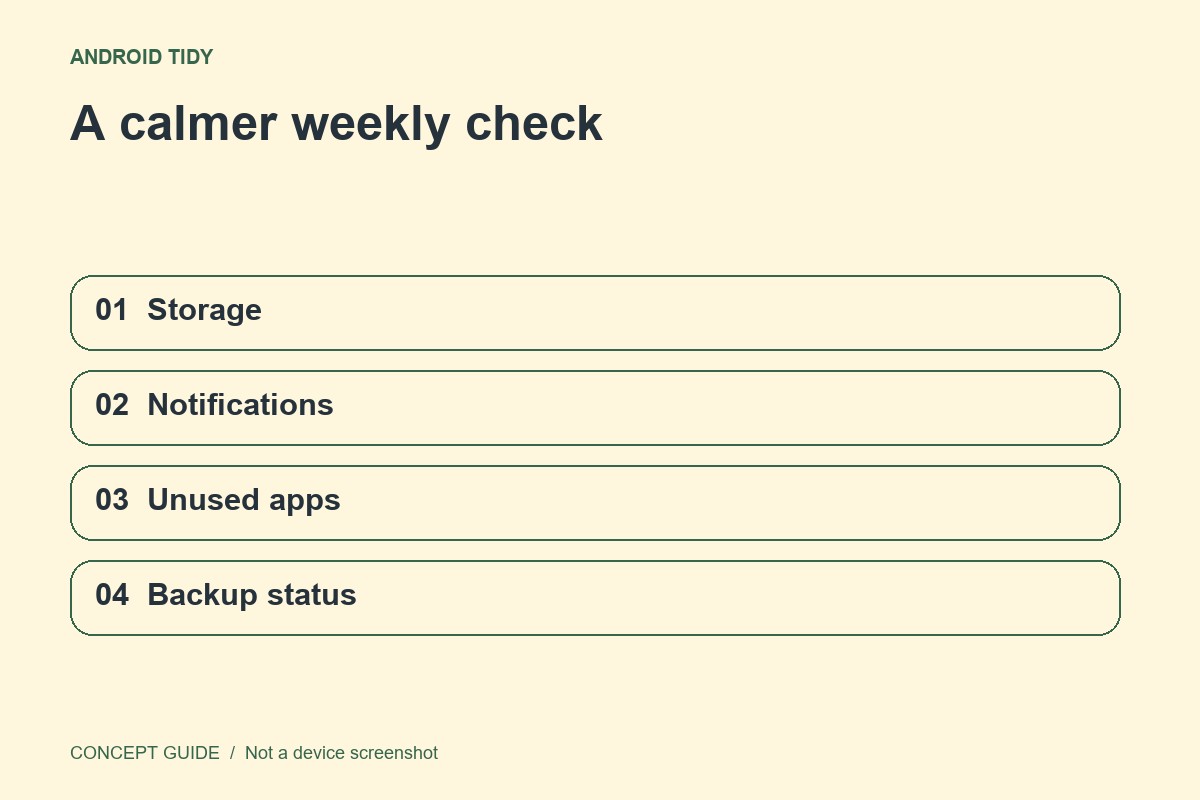
Review four small areas
Look at available storage, recent distracting notifications, apps you no longer use and the status of important backups. Do not uninstall an unfamiliar system component. For a rarely used app, check whether it contains local records or account access you still need before removing it.
Keep only one larger change
If the review reveals a bigger task, such as reorganizing photos or migrating an account, schedule it separately. Avoid beginning a reset or a large transfer when your maintenance time is almost over. Small reversible improvements are easier to evaluate.
Finish with a real task
Find a document, open an essential app and confirm the phone still works for your next day. Record one item to revisit next week. The suggested fifteen minutes is a boundary for attention, not a claim that every phone problem can be solved within that period.