Two similar thumbnails do not always represent interchangeable files. Before using a duplicate-cleanup suggestion, check whether the items differ in quality, editing, location or their role in an application.
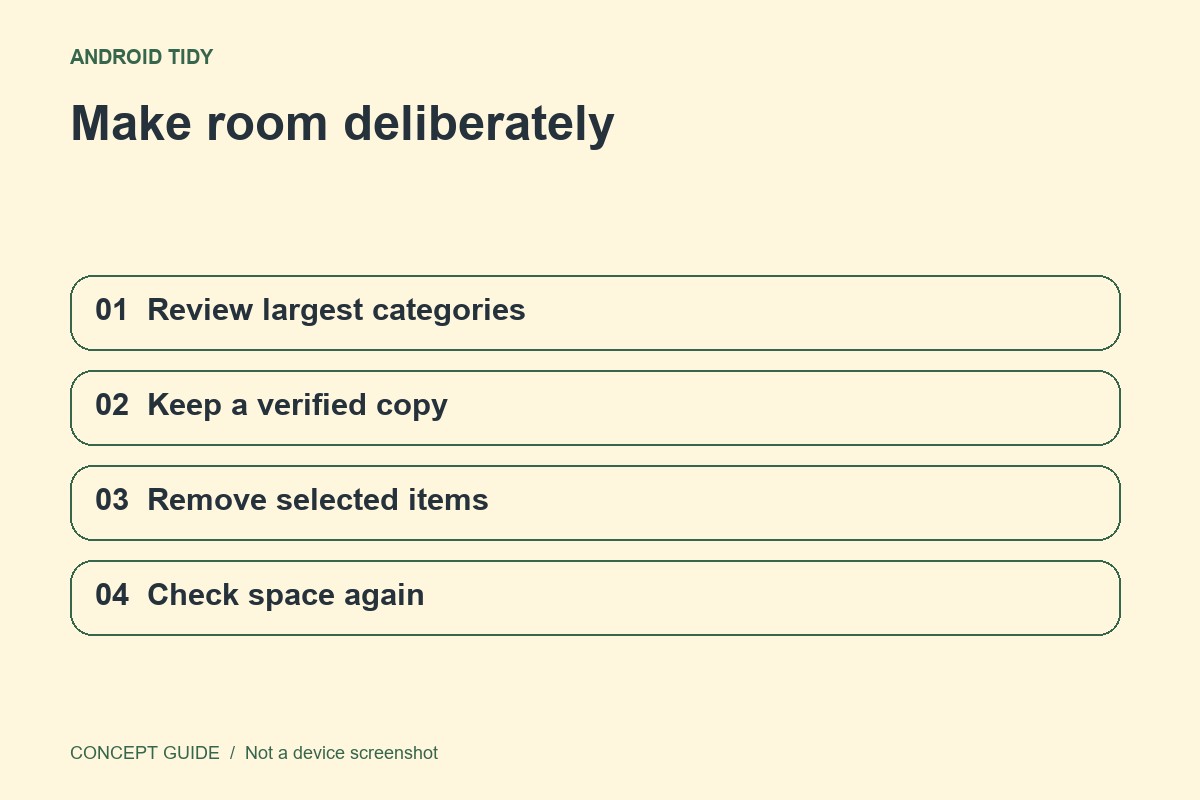
Distinguish duplicate from similar
A resized export and its original can show the same picture while serving different purposes. An edited image may also resemble the unedited source. Compare file details and open a sample rather than relying only on the thumbnail. Keep the version that matches the job you still need it to do.
Review the app's recommendation
Files by Google provides a duplicate cleanup flow and marks an original in that context. Read the selection before moving anything to the bin. Treat an automated recommendation as assistance, not proof that you no longer need every selected file.
Check where the remaining copy lives
A file visible in a cloud gallery may not be stored locally. Conversely, an exported local copy may not be backed up anywhere. Confirm the remaining copy opens from the place you expect, and understand whether deletion is synchronized to other devices or only affects this storage location.
Leave room to recover
Use the normal bin where the app supports it and review the retention behavior. Do not empty the bin immediately just to make a cleanup feel complete. If you discover a missing item, stop further cleanup and use the product's recovery path before trying unrelated recovery utilities.