A Downloads folder often mixes temporary tickets, useful documents and files whose purpose has been forgotten. Three simple destinations can make it easier to find what you need without building a complicated filing system.
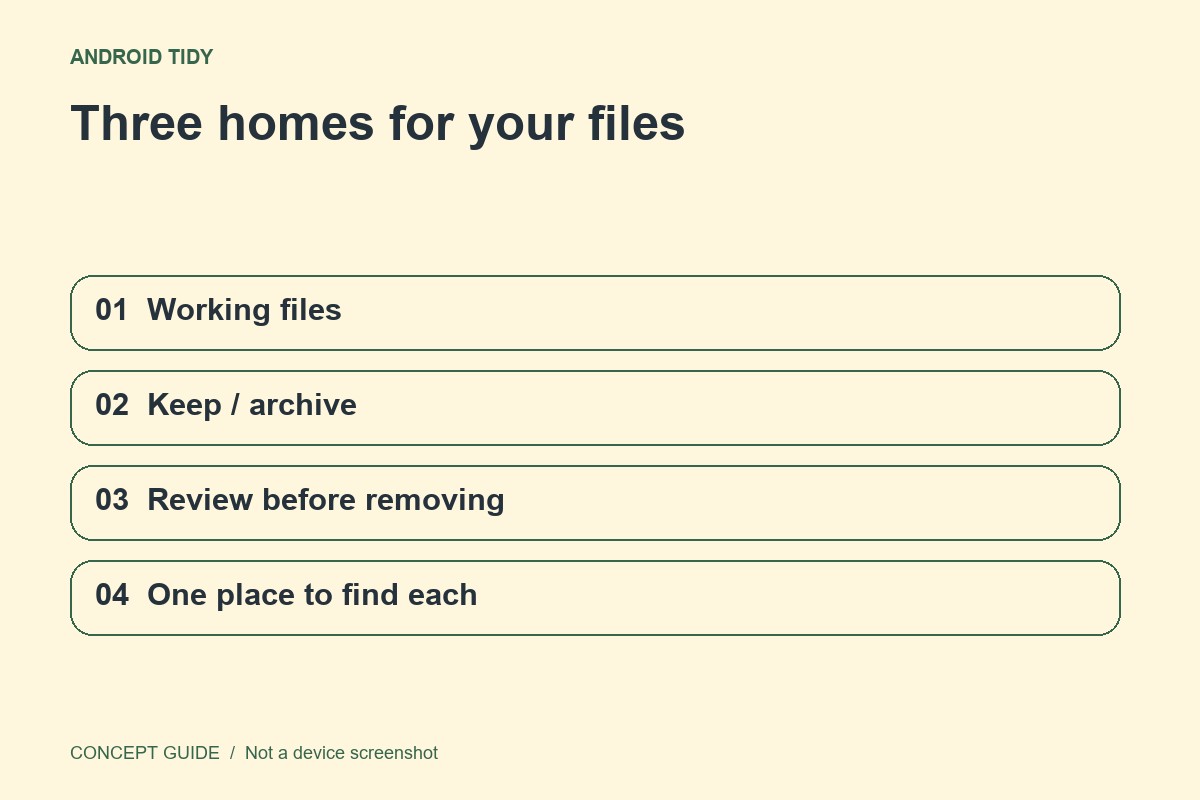
Separate working, keep and review
Use a working location for material connected to a current task, a keep location for records you expect to use again, and a review group for uncertain items. These are suggested categories, not special Android features. If your file manager uses different controls, adapt the idea rather than forcing the exact folder names.
Name for the next search
A filename such as travel-booking-2026-10 is easier to recognize than a string supplied by a website. Preserve the file extension when renaming, and avoid putting sensitive information in names that may appear in shared screens. Open the file after renaming if you are unsure what changed.
Move a small batch first
Practice with a few unimportant files and confirm you can open them from their new location. Some applications maintain their own document references, so moving a file can affect a shortcut or recent-items entry. Keep active project files where the responsible app expects them unless its guidance says otherwise.
Make review a bounded task
Set aside a brief weekly session to examine the uncertain group. Do not convert Review into a permanent dumping ground, but do not delete unfamiliar material simply to reach zero. A useful filing system lets you locate a real document quickly; an empty folder is not the objective.