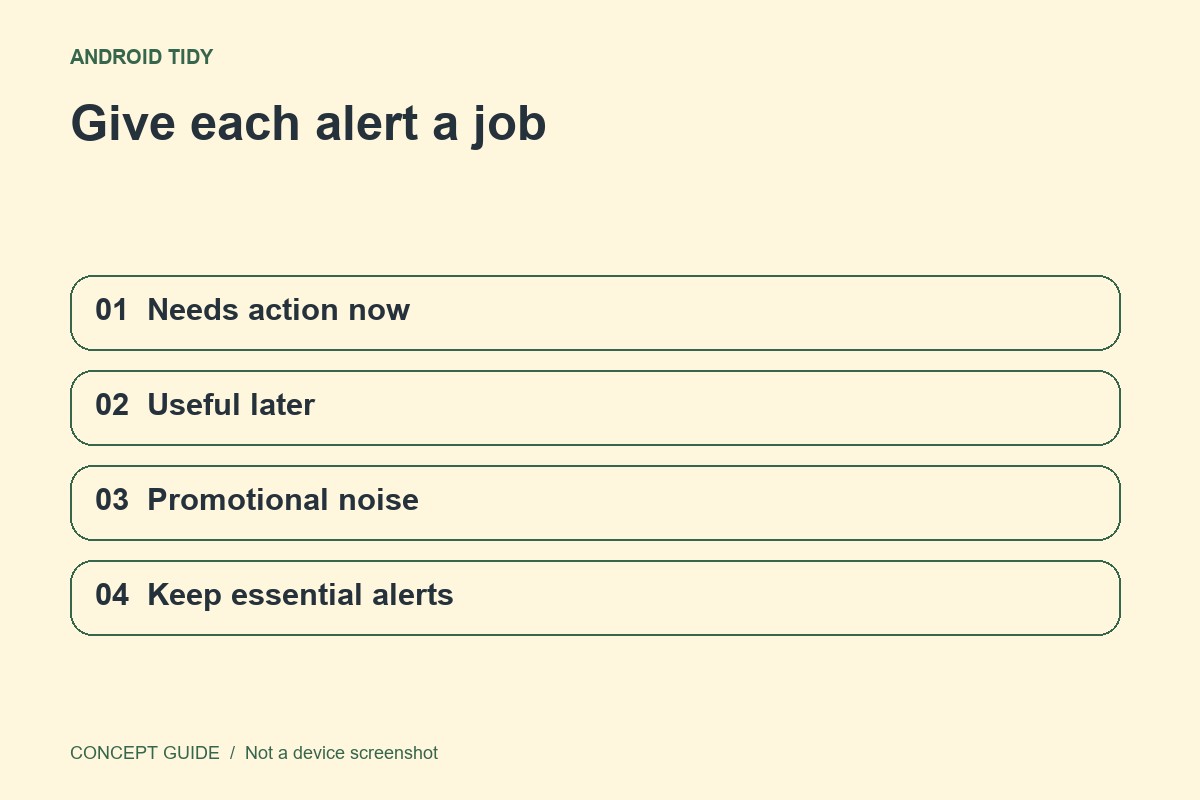
Turning off every notification is a blunt solution. A better first pass separates urgent communication from information that can wait and promotions that do not need your attention at all.
Use actual interruptions as the list
When an unwanted alert arrives, identify the app and, where supported, the notification category. Work from recent notifications rather than guessing which of dozens of installed apps is noisy. Keep essential account and security notices in mind before changing broad settings.
Adjust at the narrowest useful level
Some Android apps expose notification categories so a reminder can remain while promotional alerts are reduced. If that control is absent, use the app's own notification preferences or decide whether all of its alerts are useful. A category name is chosen by the app, so inspect what it represents before disabling it.
Test with a harmless message
After adjusting a communication app, ask for an ordinary test message or use its documented test function if available. Check sound, lock-screen display and whether the message arrives at all. Do not use emergency alerts or urgent account events as your experiment.
Keep a short review period
Live with the settings for a day and note anything important you missed. Notification history, where supported, can help explain recent alerts, but it is not a guarantee that every missed event is recoverable. A quieter phone is useful only if it still supports the communication you need.